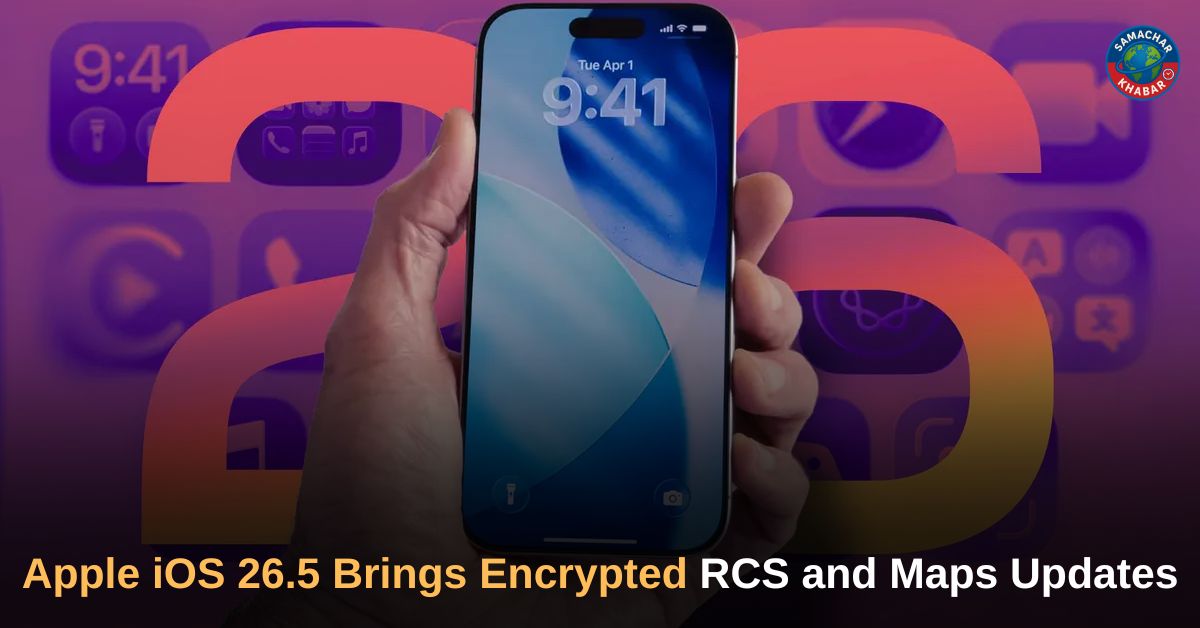
Apple iOS 26.5: Apple has officially rolled out iOS 26.5 for supported iPhone users, introducing a range of new features, security updates and interface enhancements. The latest software update is available for iPhone 11 series and newer models, including the second- and third-generation iPhone SE devices. One of the biggest additions in the update is end-to-end encrypted RCS messaging in beta, allowing more secure conversations between iPhone and Android users. The release also brings the new Pride Luminance wallpaper, Suggested Places recommendations in Apple Maps, subscription billing changes for developers and users, and additional usability improvements across supported devices.
Key Takeaways From Apple iOS 26.5 Update
- Apple has released iOS 26.5 for iPhone 11 series and newer devices
- The update introduces end-to-end encrypted RCS messaging in beta
- Apple Maps now includes Suggested Places and advertisements
- Pride Luminance wallpaper has been added with dynamic colour customisation
- iOS 26.5 includes bug fixes and security updates
- Supported devices include iPhone SE (2nd generation and later)
- Apple has simplified USB-C accessory pairing for supported devices
- Developers can now offer yearly subscription plans billed monthly
- Users can customise message attachment transfers from iPhone to Android
Apple Rolls Out iOS 26.5 For Supported iPhones
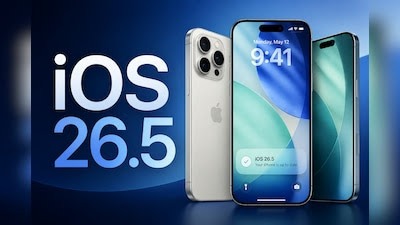
Apple has officially released iOS 26.5 for supported iPhone users worldwide. The update follows several weeks of beta testing that gave developers early access to upcoming features before the public rollout.
As with previous updates in the iOS 26 lineup, the software is compatible with iPhones launched from 2019 onwards. Supported devices include the iPhone 11 series and newer models. Apple has also extended support to the second- and third-generation iPhone SE models, alongside devices in the iPhone 17 lineup, including iPhone 17e and iPhone Air.
Also Read: Apple AirPods Max 2 launched in India with H2 chip, improved ANC and new features
The company said the update introduces enhancements, bug fixes and security improvements for iPhone users.
How To Download iOS 26.5 On iPhone
Apple users can install the update directly through the Settings application on their devices. The process includes the following steps:
| Step | Process |
| 1 | Open Settings |
| 2 | Tap General |
| 3 | Select Software Update |
| 4 | Tap Download and Install or Update Now |
| 5 | Follow the prompts displayed on screen |
The update is being rolled out to eligible iPhones running compatible software versions.
End-To-End Encrypted RCS Messaging Introduced In Beta
One of the most significant additions in iOS 26.5 is end-to-end encrypted Rich Communication Services (RCS) messaging in beta.
Apple stated that iPhone users running iOS 26.5 will begin seeing a new lock icon in RCS chats, indicating that messages in the conversation are end-to-end encrypted. According to the company, Apple and Google have jointly led a cross-industry effort to bring encryption support to RCS messaging, replacing traditional SMS with a more secure communication format.
The feature is rolling out in beta for iPhone users on supported carriers and Android users using the latest version of Google Messages.
Apple explained that when RCS messages are end-to-end encrypted, they cannot be read while travelling between devices. Encryption is enabled by default and will automatically activate over time for both new and existing RCS conversations.
Key Details About Encrypted RCS Messaging
- Available in beta rollout
- Requires supported carriers
- Android users must use the latest Google Messages version
- Lock icon indicates encrypted conversations
- Encryption is enabled by default
Apple Maps Gets Suggested Places And Ads

Apple has also introduced updates to Apple Maps through the Suggested Places section.
The feature recommends nearby destinations based on trending locations and users’ recent search activity. Suggested recommendations may include restaurants, shops and visitor hotspots relevant to the user’s interests and searches.
Also Read: iPhone 18 Pro, Pro Max Leaks: Battery, Camera, Price and Launch Timeline Revealed
Advertisements are also expected to appear within the newly added Suggested Places section. However, the recommendations are not based only on paid promotions, as Apple said the feature also highlights organically trending locations.
The Maps additions form part of Apple’s broader update to location-based discovery features within the iPhone ecosystem.
Pride Luminance Wallpaper Added To iOS 26.5
The latest software release also includes a new Pride-themed wallpaper called “Pride Luminance.”
Apple described it as the company’s first animated Pride wallpaper for iPhone devices. The wallpaper is dynamic and customisable, allowing users to create different colour combinations from 12 available shades.
The release aligns with a matching Pride-themed watch face introduced in watchOS 26.5.
The wallpaper becomes available for download after installing iOS 26.5.
App Store Subscription Changes Introduced
Apple is also rolling out a new subscription billing option aimed at developers and consumers through the App Store ecosystem.
Under the updated system, developers can provide yearly subscription plans billed monthly instead of charging the full yearly amount upfront.
According to Apple’s release notes, developers can now offer a billing option described as a monthly payment plan tied to a 12-month commitment. The company indicated that the change may help reduce upfront subscription costs for users while offering more flexibility in payment structures.
USB-C Accessory Pairing Simplified
iOS 26.5 also introduces simplified accessory pairing for compatible Apple devices.
Users can now connect accessories such as Magic Keyboard, Magic Trackpad and Magic Mouse using a USB-C connection to enable wireless functionality across supported iPhones and iPads.
The feature is intended to streamline the accessory setup process with minimal user interaction.
New Options For iPhone-To-Android Data Transfers
Apple has added another feature aimed at users switching from iPhone to Android devices.
With iOS 26.5, users can customize which message attachments are transferred during the migration process. The feature gives users more control over the content included while moving conversations and media between platforms.
The addition expands Apple’s existing transfer tools available for device switching.
Apple Expands Security And User Experience Features
The iOS 26.5 update combines communication security, personalisation and device usability improvements within a single release. Alongside encrypted messaging and new visual customisation tools, the update also introduces Maps discovery features, App Store subscription flexibility and improved accessory connectivity.
Apple stated that the update includes additional bug fixes and security improvements for supported iPhones, continuing the company’s regular software support cycle for recent iPhone models.
Technology And Responsible Human Values
As digital communication continues to become more secure and advanced through updates like iOS 26.5, discussions around privacy, responsible technology use and meaningful human connection are also gaining importance.
Spiritual teachings often emphasise that while technology can improve convenience and communication, true peace and balance depend on responsible thinking and ethical behaviour in everyday life. Tatvdarshi Sant Rampal Ji Maharaj explains that real human progress is achieved when knowledge, discipline and humanity move together in a balanced manner alongside scientific development.
For more information visit our
Website: www.jagatgururampalji.org
YouTube: Sant Rampal Ji Maharaj
Facebook: Spiritual Leader Saint Rampal Ji
X (Twitter): @SaintRampalJiM
FAQs on Apple iOS 26.5
1. Which iPhones support iOS 26.5?
iOS 26.5 supports iPhone 11 series and newer models, including iPhone SE second generation and later devices.
2. What is the major feature in iOS 26.5?
The major feature is end-to-end encrypted RCS messaging in beta for iPhone and Android conversations.
3. How can users download iOS 26.5?
Users can install the update through Settings > General > Software Update > Update Now.
4. What is the Pride Luminance wallpaper?
It is Apple’s new animated and customisable Pride-themed wallpaper introduced with iOS 26.5.
5. What changes were made to Apple Maps in iOS 26.5?
Apple Maps now includes Suggested Places recommendations and advertisements based on trending locations and recent searches.